Start from a real portrait
Use a clear phone photo so the result has a personal starting point instead of feeling like a generic character image.
Turn one phone photo into a soft illustrated anime portrait for profile images, character-inspired posts, and creative galleries. Kova keeps the prompt work behind the style button, so you can start with a photo instead of writing a prompt.
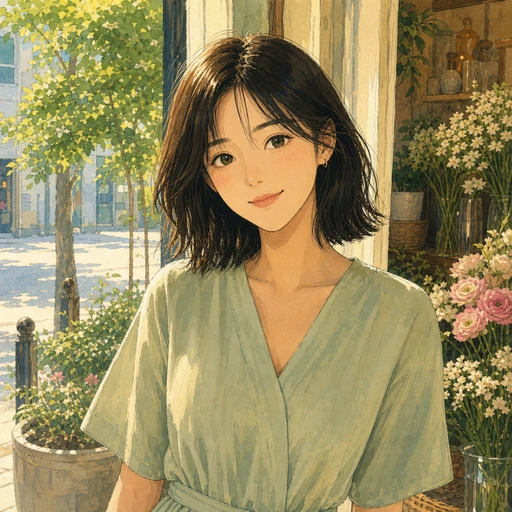
Anime portraits are a high-intent style for people who want a recognizable but more illustrated version of themselves. Kova turns that into a preset flow inside the app.
Use a clear phone photo so the result has a personal starting point instead of feeling like a generic character image.
Kova handles the prompt structure for the illustrated look, softer color, and portrait-friendly framing.
Keep the best variation in your gallery and use it for social profiles, posts, creative bios, or idea boards.
Anime portraits are one entry point. Kova also gives visitors a path into collectible figurines, profile headshots, and cinematic edits.

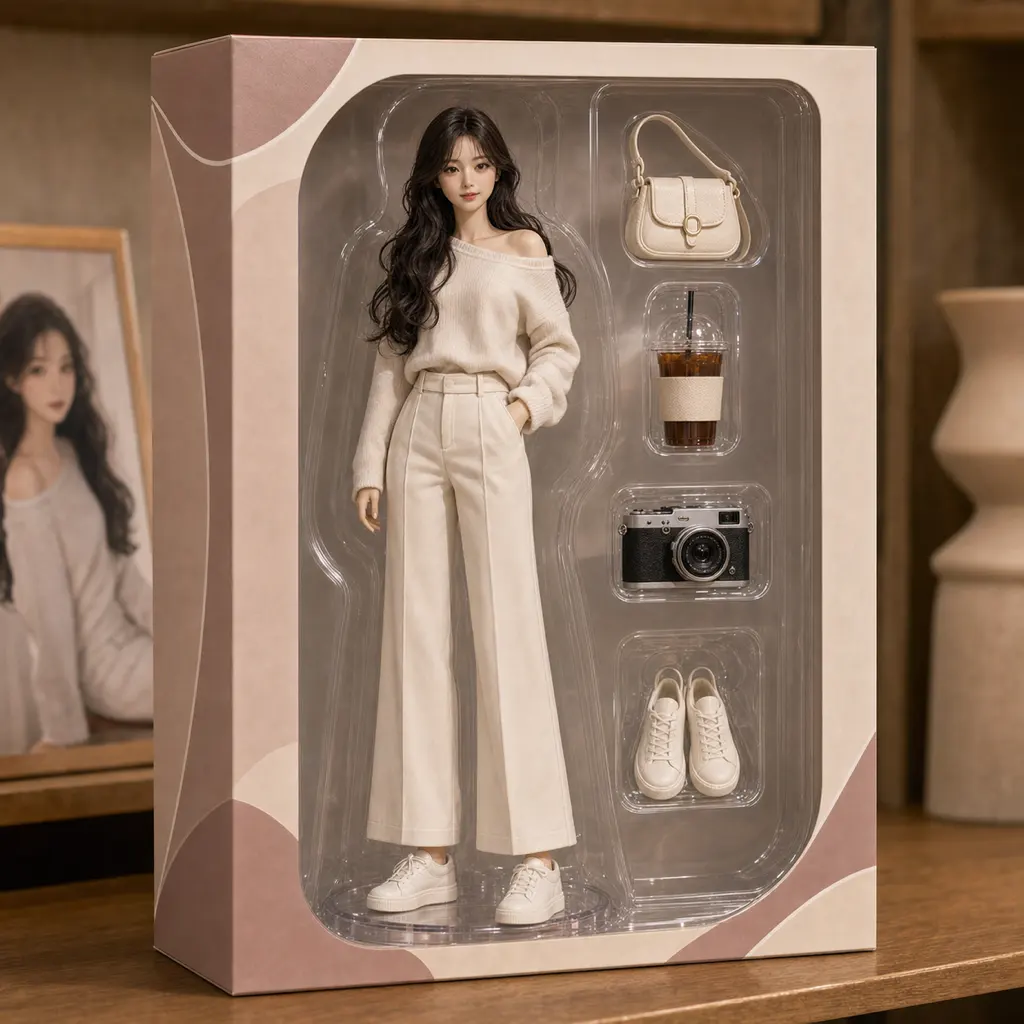
New accounts include 20 starter credits, enough for about 2 standard image generations. Credit packs and memberships are available when you want more anime portrait attempts or other styles.
Quick answers for people deciding whether Kova fits an anime avatar or anime profile-picture workflow.
Yes. The Anime Portrait style is designed for profile-friendly illustrated portraits that start from your own photo.
No. Kova turns prompt writing into a style choice, so the main workflow is choosing a photo and generating variations.
All purchases are handled by the official App Store or Google Play checkout, and the store shows the final local price before purchase.
Open Kova on your phone, choose the Anime Portrait style, and generate a share-ready illustrated portrait from one existing photo.