Start from a real memory
Choose a cat photo or dog photo you already like, then open Kova to test a pet portrait direction.
Turn a favorite cat photo or dog photo into a pet portrait workflow you can try on your phone. Kova gives pet-app visitors a simple path from saving memories to making share-ready AI styles.


Cats Diary, CatsThoughts, and DogsThoughts visitors already care about pet photos. This page gives that audience a focused Kova route instead of sending them to a generic AI photo editor page.
Choose a cat photo or dog photo you already like, then open Kova to test a pet portrait direction.
Use Kova's ready-made photo styles and freeform image prompts to explore illustrated, poster, or keepsake directions.
Starter credits let new users try the first couple of generations before choosing more credits or a monthly plan.
Turn pet-photo traffic into a reviewed Kova production request before any payment link or creative work. The sprint starts with a source-photo checklist and a manual invoice reply.
One pet, one hero portrait direction, and a simple source-photo checklist for owners who want a keepsake image.
Multiple social-ready portrait crops for pet accounts, diary apps, or sharing a favorite cat or dog image.
A broader visual system for shops, creators, communities, or launches built around a recognizable pet mascot.
Good fit when the visitor can share 1-3 clear pet photos.
Pet sprint invoices stay manual for review before any payment link is sent.
Create pet sprint invoice emailKova's broad style library gives pet-photo visitors several ways to explore a more creative portrait, keepsake, or shareable post.


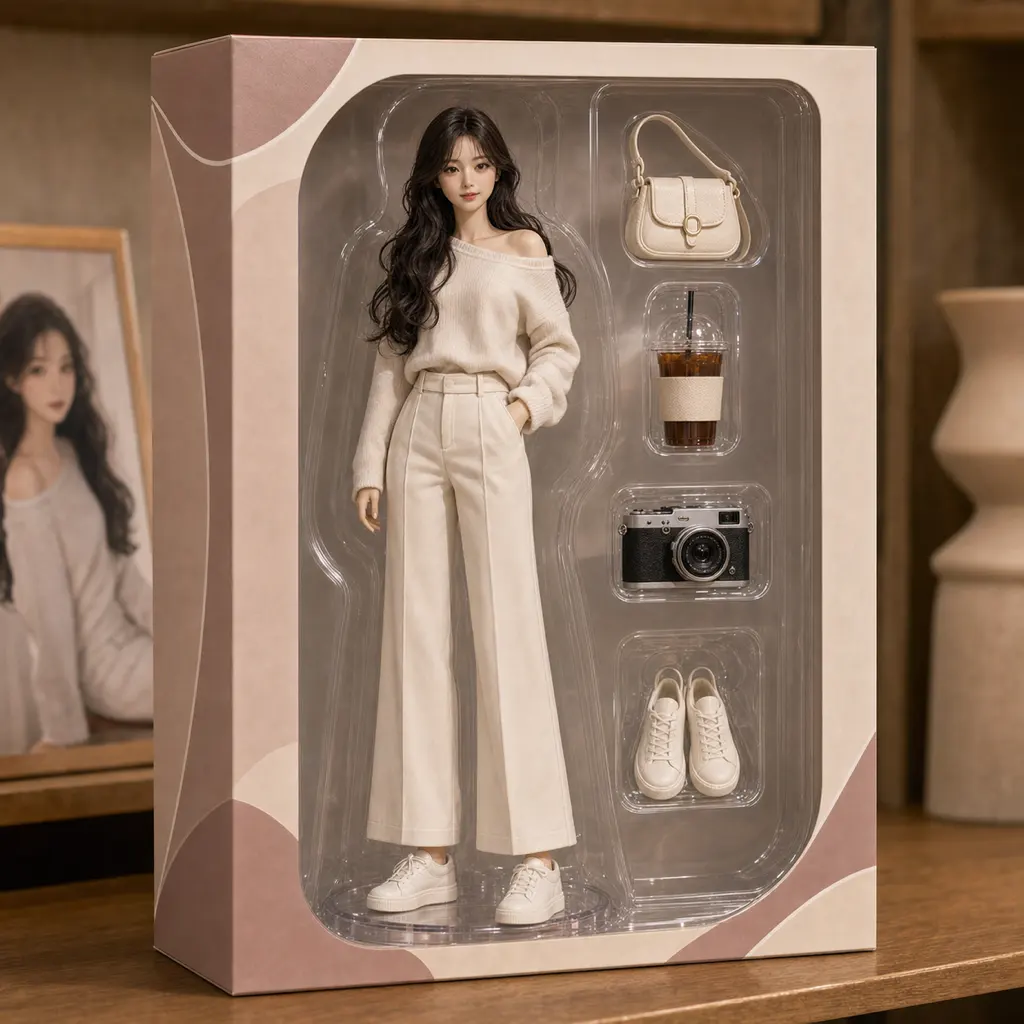

Open Kova on your phone, start with a favorite pet image, and use your starter credits to test the first result before buying more credits or a membership.