Choose one clear photo
Use a bright face, pet, or product photo where the subject is easy to recognize.
Quick start
Install Kova, start with one clear photo, choose a ready-made AI style, and use your starter credits to see the first result before buying more credits or a membership.
This is the shortest path from install to a share-ready image, without writing a prompt.
Use a bright face, pet, or product photo where the subject is easy to recognize.
Start with figurine, anime, profile headshot, Polaroid, or another Kova style.
Use 10 credits for one standard image generation and compare the result with your original photo.
If the first direction works, save it. If not, use the remaining starter credits for another style.
These styles make the first session easy because the result is visually obvious and useful for profiles, posts, and creator assets.
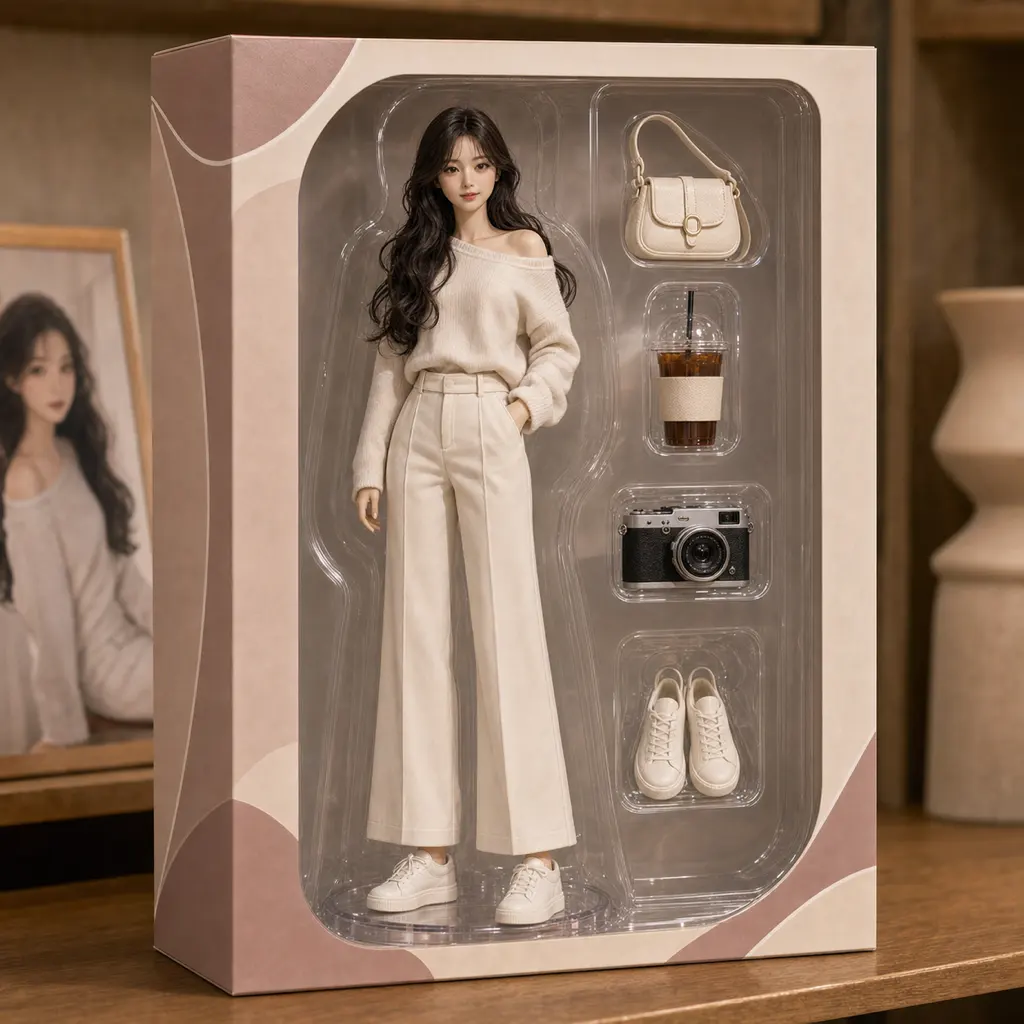
Best for playful creator posts and shareable profile updates.

Best for avatar tests, profile pictures, and stylized social posts.

Best for a cleaner profile photo, creator bio, or account refresh.
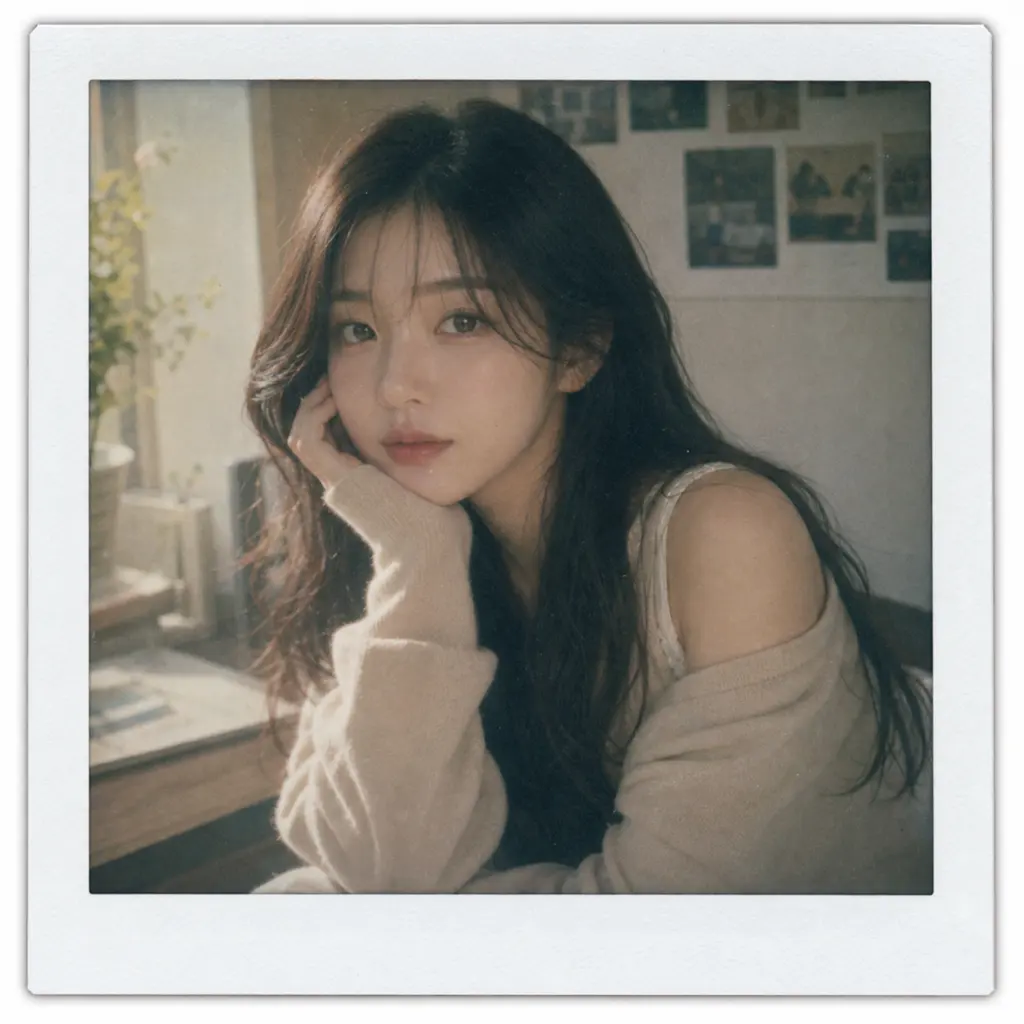
Best for soft lifestyle edits and simple story-ready images.
The first photo matters more than the first style. Use this quick check before you spend credits.
A single face, pet, outfit, or product usually gives the cleanest first result.
Start with a photo that is not too dark, blurry, or heavily cropped.
Pick one result type first: profile, figurine, anime avatar, or social post.
Use the quick-start path with your starter credits, then compare pricing or examples if you want to create more.