Start from your own photo
Use a clear selfie or portrait so the result starts from a real person instead of a generic AI character.
Create an AI avatar from one phone photo, then choose the direction that fits the account: anime portrait, polished profile picture, collectible figurine, sticker, or cinematic edit.


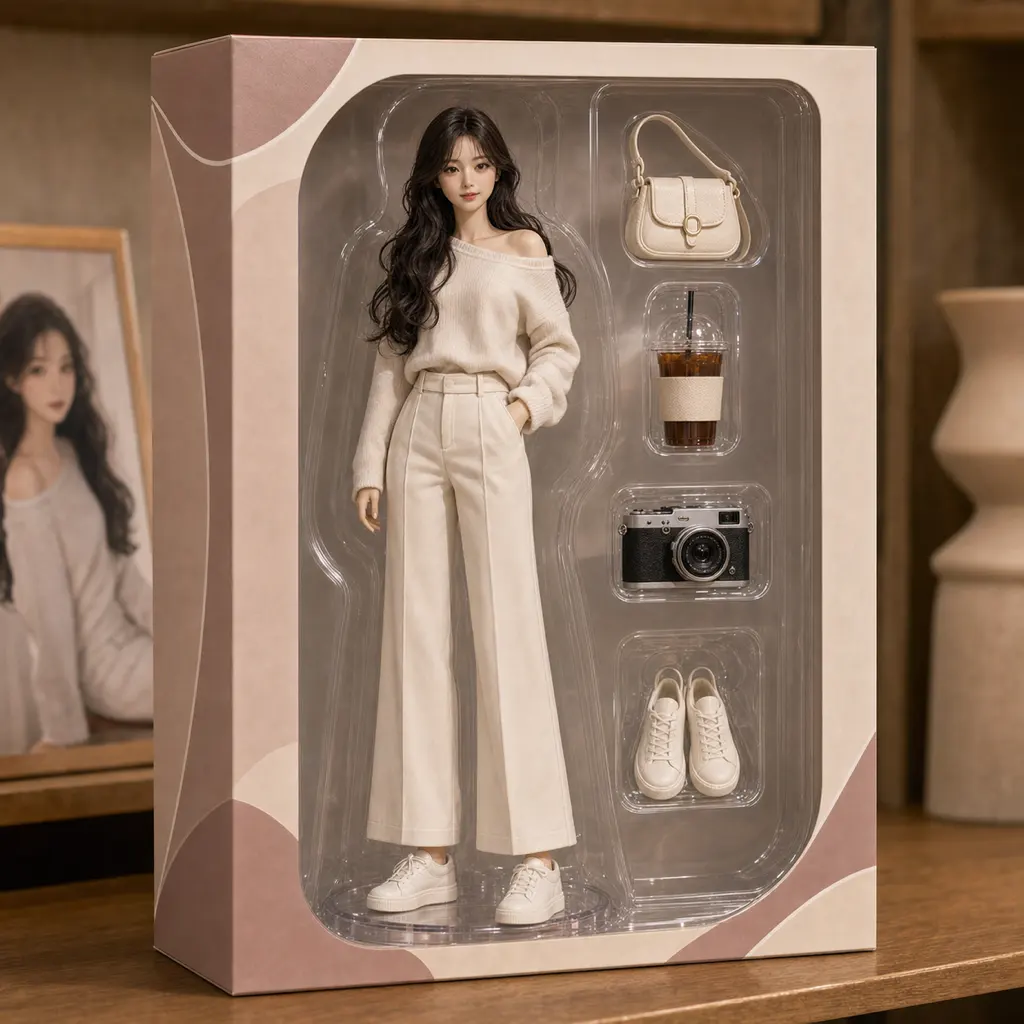
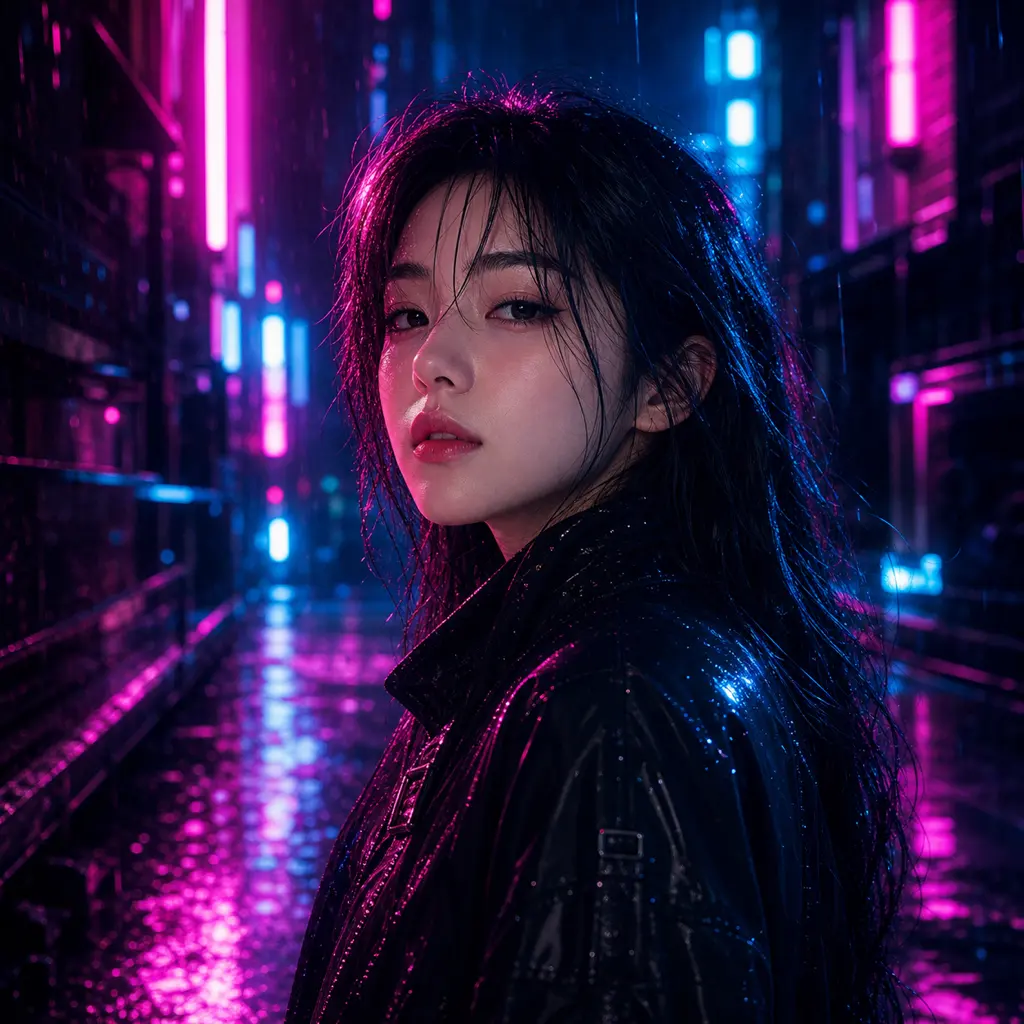
Avatar intent is broad. Some visitors want an anime profile picture, others want a realistic headshot or a playful character edit. Kova keeps those paths under one mobile workflow.
Use a clear selfie or portrait so the result starts from a real person instead of a generic AI character.
Choose anime, profile headshot, figurine, sticker, Polaroid, cyberpunk, or another Kova style without writing a prompt.
Use the result for social profiles, creator bios, community accounts, dating profiles, or visual experiments.
Use this page as a quick route into the Kova style library before opening the store.

Starter credits let new users test the first avatar directions. Credit packs work for a short session, while monthly plans fit regular profile, creator, or style experimentation.
Fast answers for people comparing AI avatar and AI profile-picture apps.
Yes. Kova includes avatar-friendly styles such as anime portrait, profile headshot, figurine, sticker, Polaroid, and other share-ready edits.
No. Kova turns common prompt directions into style choices, so the main workflow is picking a photo and generating variations.
All purchases are handled by the official App Store or Google Play checkout. The store shows the final local price before purchase.
Open Kova on your phone, start with one clear photo, and try an avatar direction with starter credits before buying more credits or a membership.