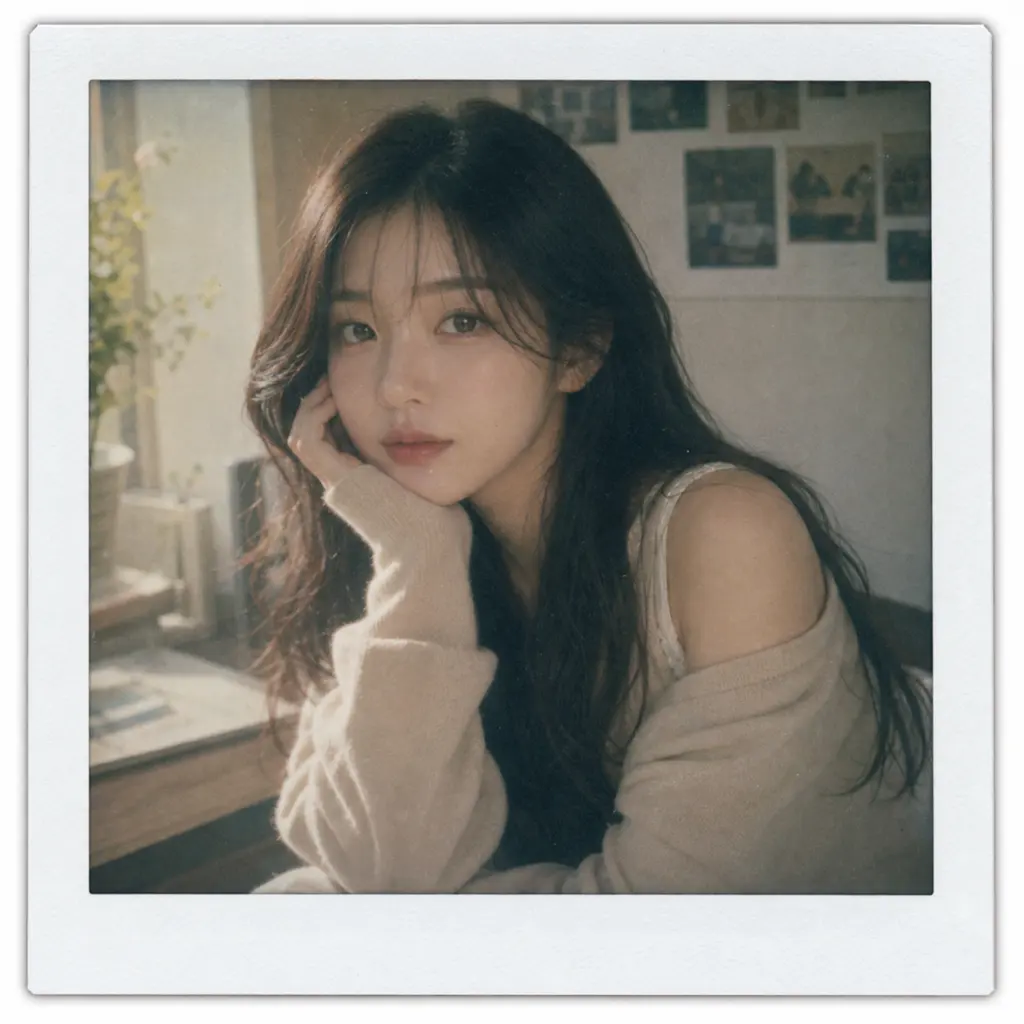
 Memory cover
Kova
Journal and memory visuals
AI Journal Cover Generator
Turn one photo into journal cover visuals, memory covers, reflection cards, and calm profile images for diary, wellness, parenting, and daily reflection workflows.
Memory cover
 Reflection profile
 Reflection card
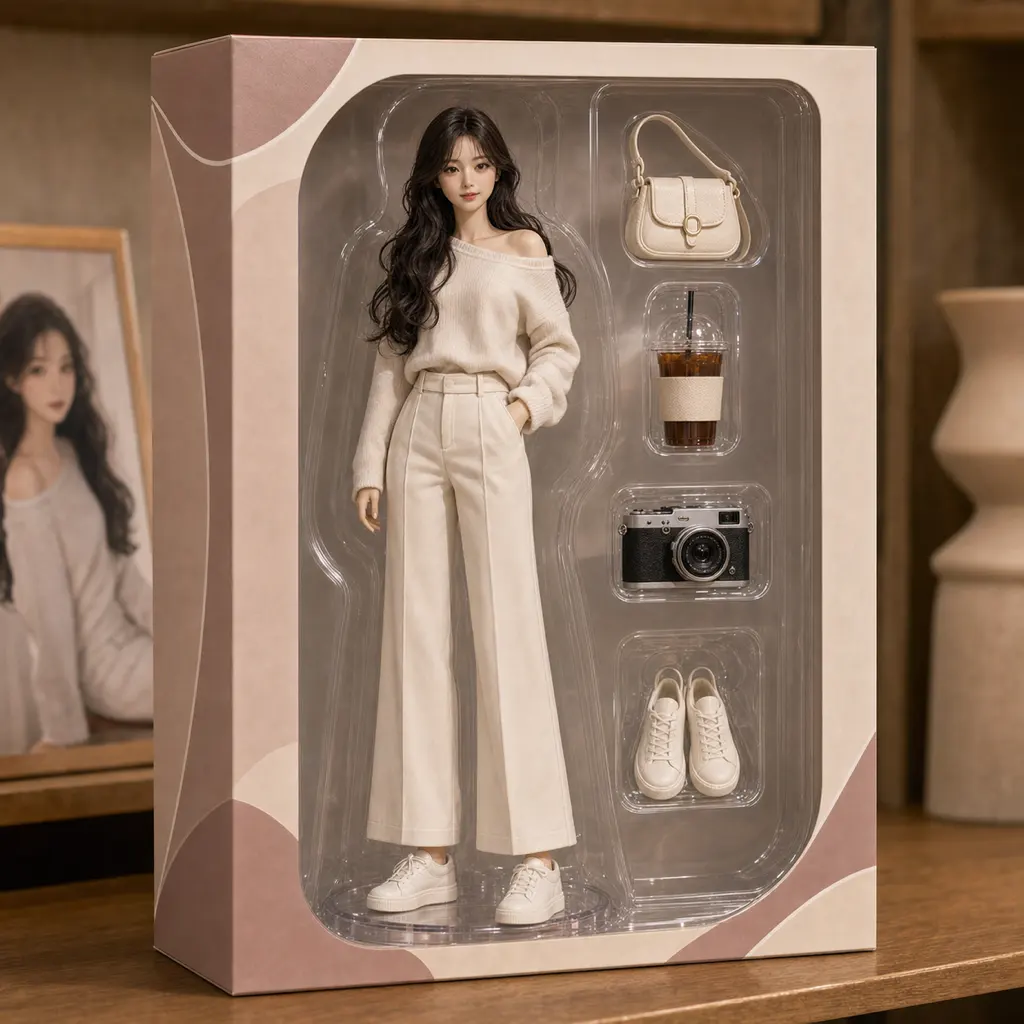 Keepsake style
From Quiet Apps To Visual Keepsakes
Visitors coming from diary, reflection, sleep, and parenting apps already care about private routines and remembered moments. This page gives them a Kova route that stays focused on personal visuals instead of generic AI photo editing.
Journal cover visuals
Create a cover image for a nightly entry, month-in-review note, or private memory page from one photo.
Reflection cards
Make calming visuals for prayer, meditation, gratitude notes, verse backgrounds, or a simple end-of-day ritual.
Memory covers
Use parent-owned photos or non-sensitive family moments to create a gentle cover for milestones and memory books.
A Clear First Session
Install Kova, choose one photo, and test a calm style direction before buying more credits. The first session is meant to be concrete and low-friction.
Pick one photo
Start from a landscape, personal object, portrait, pet, or other photo that fits the memory or reflection you want to keep.
Choose a gentle style
Try Polaroid, profile, anime, figurine, or another ready-made Kova style without writing prompts.
Save or share
Use the result as a diary cover, memory card, private reference image, or a share-ready visual when appropriate.
Journal Cover Sprint brief builder
Diary, sleep, prayer, and parenting visitors can turn one quiet visual intent into a scoped paid sprint before leaving the page. The builder keeps package, source, goal, reference, deadline, and recovery math visible before an invoice email opens.
Private memory cover
One cover direction for a diary entry, private memory, sleep log, or personal milestone using one source photo.
Reflection card set
Multiple calm card variants for prayer, gratitude, sleep, wellness, family milestones, or monthly recaps.
Journal visual system
A repeatable visual set for creators, paid communities, or app teams that need a consistent memory-keeping look.
Estimated paid orders to recover fee: about 3
Good fit for one diary, milestone, sleep, or private memory cover from one source photo.
Journal cover sprint invoices stay manual for review before any payment link or production work.
Create journal invoice email Buy ₩29,000 prompt packQuestions
Short answers for journal, wellness, and memory-keeping visitors.
What are AI journal cover visuals?
They are stylized images made from one source photo for journal covers, memory covers, reflection cards, and quiet visual themes.
Can I try this before paying?
Yes. Kova is free to install, and new accounts include 20 starter credits for about 2 standard image generations.
How many credits does a standard generation use?
Standard image generation uses 10 credits per standard image generation. Credit packs and memberships are available when you want more attempts.
Create a visual cover for the next memory
Open Kova, use the starter credits, and turn one photo into a calmer visual direction before deciding whether you need more credits.